 Debby Wijaya
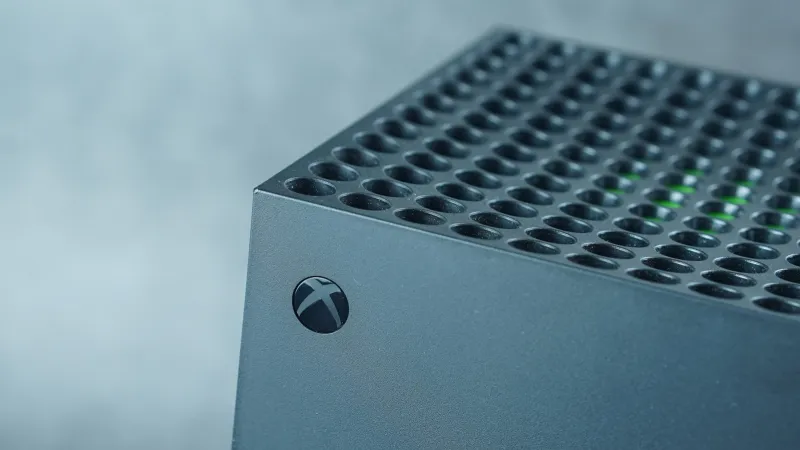
The Xbox Series X, Microsofts flagship gaming console, requires periodic maintenance to sustain its optimal performance and prevent common operational glitches. Gamers experiencing slowdowns, unresponsive interfaces, or unexpected game crashes can often resolve these issues by clearing the consoles accumulated cache or, in more severe instances, performing a comprehensive factory reset. This routine procedure ensures the system retains its snappiness and responsiveness, critical for an uninterrupted high-fidelity gaming experience.
Cache memory serves as a temporary storage area for frequently accessed data, designed to expedite system operations by allowing quick retrieval. Over time, however, this cache can become corrupted or overloaded with outdated files, paradoxically hindering performance rather than enhancing it. Such digital clutter can manifest as longer loading times, visual stuttering, or even connectivity problems during online play.
Regularly clearing this build-up is a proactive step that every Xbox Series X owner should consider. It acts much like defragmenting a computer hard drive, streamlining the data pathways and ensuring that the console accesses the most current and relevant information efficiently. This process does not delete game saves, profiles, or installed applications, but rather cleans out temporary system files that can impede functionality.
Identifying the right time to perform a cache clear is straightforward. If the console feels sluggish, if games are performing inconsistently despite no apparent network issues, or if specific applications frequently crash, these are clear indicators that the cache may be due for a refresh. It is also a recommended practice after significant system updates, which can sometimes leave behind residual data that conflicts with new software versions.
The simplest method for a soft cache clear involves a full power cycle. Users can navigate to the consoles power options, select Full shutdown, and allow the system to power down completely. Once the console is off, unplug the power cable from the wall outlet or the back of the Xbox Series X for at least 30 seconds. This ensures that any residual power is drained, clearing the volatile memory cache.
After waiting, re-plug the power cable and restart the console. This procedure often resolves minor performance hiccups and restores a degree of system responsiveness without requiring any complex technical steps. For many users, this routine maintenance is sufficient to keep their gaming experience smooth and enjoyable.
However, some persistent issues may require a more thorough approach. If the soft cache clear does not yield the desired results, a console reset becomes the next logical troubleshooting step. This option allows users to reinstall the operating system, essentially giving the Xbox Series X a fresh start.
When performing a console reset, users are typically presented with two choices: Reset and keep my games & apps or Reset and remove everything. The former is often preferred as it preserves installed content while resetting system settings and potentially clearing deeper levels of corrupted data. The latter option is a complete factory reset, wiping all user data and installed software, making it suitable for preparing the console for sale or resolving severe, unfixable software issues.
Before initiating any reset, it is always prudent to ensure that all critical game save data is synchronized with the cloud. Xbox automatically backs up most save data to Microsofts servers, but a quick check can prevent any accidental loss of progress. This precaution is particularly important for games that may not fully support cloud saves or for users with inconsistent internet connectivity.
Maintaining a console involves more than just cache management. Ensuring adequate ventilation for the device, keeping software updated, and occasionally verifying storage integrity are all components of a comprehensive maintenance regimen that contributes to the Xbox Series Xs longevity and consistent performance. This approach to digital hygiene is not unique to gaming consoles; similar principles apply to other electronic devices, such as the proactive steps one might take to improve performance on devices like a Samsung TV experiencing lag.
The proactive management of a devices cache is a fundamental aspect of digital maintenance. By understanding why and how to clear the cache on an Xbox Series X, gamers can significantly prolong their consoles peak performance and minimize frustrating technical interruptions, ensuring their investment continues to deliver immersive entertainment for years to come.