 Demian Sahputra
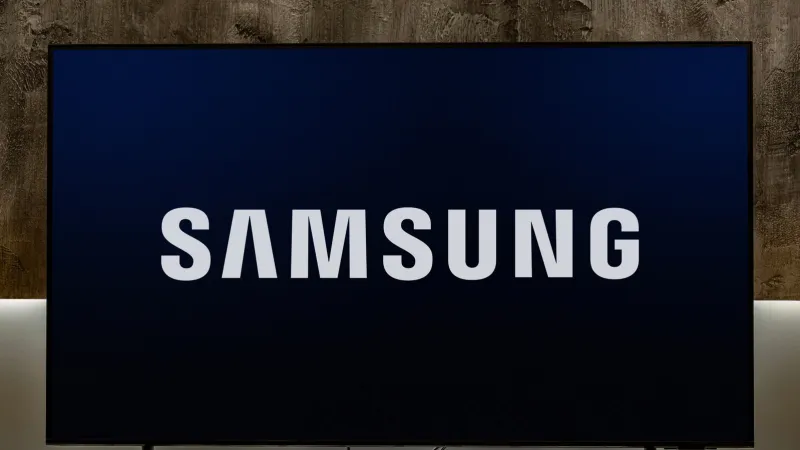
Smart televisions, particularly Samsung models, accumulate temporary files in their system cache, which can significantly impede performance. Users experiencing sluggishness, app crashes, or slow loading times can often rectify these issues by performing a routine cache clear, a straightforward maintenance task that optimizes device operation.
This often overlooked digital housekeeping process removes accumulated residual data that, while initially designed for quicker access to frequently used applications and features, can eventually become a detriment. Over time, these temporary files can become corrupted or simply grow too large, consuming valuable system resources.
The accumulation of excessive cache data is a common culprit behind a range of performance woes, from delayed menu navigation to prolonged buffering during streaming sessions. A proactive approach to managing this digital detritus ensures the television operates at its intended efficiency.
Experts in consumer electronics emphasize that clearing the cache does not delete personal settings, downloaded applications, or user login information. Rather, it purges only the temporary files that the system generates during normal operation, refreshing the TV's operational memory.
To initiate a cache clear on most Samsung TV models, users typically navigate to the settings menu. The exact pathway may vary slightly between model years and software versions, but the fundamental principle remains consistent: accessing system or support options.
One common method involves accessing the Support menu, then selecting Device Care. Within Device Care, an option such as Self Diagnosis or Manage Storage often presents itself. From there, users can find options related to clearing cache or optimizing storage.
Another approach for some older models or specific issues might involve a soft reset. This does not factory reset the TV but rather reboots its operating system, which can effectively clear out some temporary memory without going through specific menu paths.
Users experiencing persistent issues across multiple applications should consider this maintenance step as a primary troubleshooting measure before resorting to more drastic actions. This simple procedure often resolves a majority of common software-related slowdowns.
The impact of a clear cache is often immediate and noticeable. Viewers typically report faster application launches, smoother transitions between menus, and a more responsive overall user interface. This directly enhances the viewing experience, making the television feel new again.
For those seeking to further optimize their digital devices, understanding how temporary files affect performance extends beyond televisions. Similar principles apply to smartphones and other gadgets. For instance, exploring techniques to uncover Androids hidden services for optimal phone performance can yield comparable benefits.
Regular maintenance, including periodic cache clearing, is crucial for extending the lifespan and maintaining the peak functionality of modern smart devices. It prevents minor software glitches from escalating into significant operational problems.
While many users might ignore these background processes, recognizing their cumulative effect empowers consumers to take control of their device performance. This proactive stance ensures a seamless and enjoyable entertainment experience without unexpected interruptions.
The digital landscape constantly evolves, and with it, the demands on our home entertainment systems. As streaming services become more resource-intensive, efficient device management, such as clearing the Samsung TV cache, becomes increasingly vital.
In an age where digital content consumption dominates, the expectation for immediate access and flawless playback is high. A slow or unresponsive television can quickly detract from the intended user experience, highlighting the importance of basic maintenance.
This simple yet effective troubleshooting method serves as a reminder that even advanced technology benefits from routine care. It is a testament to the fact that optimal performance is often a result of mindful interaction with our devices, not just their initial specifications.