 Chris Robert
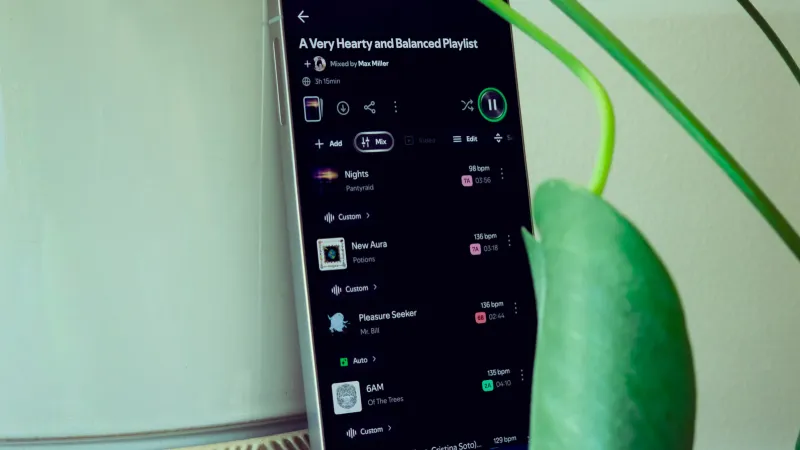
GLOBAL – Many Spotify users are unknowingly missing out on a significantly enhanced audio experience due to overlooked platform configurations. As of 2026, experts indicate that adjusting just five specific settings can dramatically improve sound quality, curate content more effectively, and personalize the streaming journey, ultimately unlocking the digital music service's full potential for millions worldwide.
The leading audio streaming service offers a robust suite of options, often buried within menus, designed to cater to individual preferences and optimize performance. Users who dedicate a few moments to exploring these critical controls typically report a more satisfying and tailored interaction with their extensive music and podcast libraries.
One of the most impactful adjustments involves the streaming quality setting. By default, Spotify may not be delivering audio at its highest fidelity to conserve data or accommodate varying internet speeds. Navigating to the Settings menu, then selecting Audio Quality, allows users to choose from options like normal, high, or very high, or even a nascent lossless tier for premium subscribers, transforming their listening experience with richer, clearer sound.
This choice directly affects the clarity and depth of playback, particularly noticeable on high-end headphones or sound systems. While higher quality settings consume more data, the sonic improvement for discerning listeners is often substantial, making it a worthwhile trade-off for those with stable internet connections or generous data plans.
For households with children or listeners who prefer to avoid certain types of content, enabling the explicit content filter is an essential step. This setting, found within the Content Preferences section of the account settings, prevents songs labeled as explicit from appearing in playlists, recommendations, or search results.
This proactive measure helps maintain a family-friendly listening environment and ensures that the platform's algorithms do not inadvertently introduce mature themes into a child's curated music feed. It offers parents and guardians significant control over the audio consumed by younger users under their account.
Enhancing the flow between tracks can dramatically improve the listening experience, especially when enjoying albums designed for continuous play or DJ mixes. Spotify provides settings for crossfade, which smoothly transitions from one song to the next, and gapless playback, eliminating pauses between tracks. These are typically found under Playback settings.
Activating these features creates a more seamless and immersive auditory journey, preventing abrupt silences or jarring shifts between songs. This small but significant tweak contributes to a more professional and polished feel for any playlist or album.
Mobile users frequently face concerns about data consumption while streaming music on the go. Spotify's Data Saver mode, located within the Audio Quality settings, is a practical solution. When enabled, it reduces the streaming quality, significantly lowering cellular data usage without completely compromising the listening experience.
This setting is invaluable for individuals with limited data plans or those frequently streaming in areas with unreliable network coverage, allowing continuous access to music without incurring unexpected charges or frustrating buffering interruptions.
For moments when users wish their listening habits to remain private or not influence their algorithm-driven recommendations, activating a Private Session is crucial. This feature ensures that any music played during the session does not appear in publicly shared activity or contribute to the development of personalized playlists like Discover Weekly.
By toggling Private Session on through the user profile menu, individuals can explore new genres, listen to guilty pleasures, or stream niche podcasts without altering their established musical identity or public profile, preserving the integrity of their personalized recommendations for their core tastes.
Taking the time to adjust these fundamental Spotify settings transforms a standard listening experience into a finely tuned, personalized audio journey. These simple modifications empower users to exert greater control over their sound, content, and data, ultimately maximizing the value derived from their subscription.