 Stefani Rindus
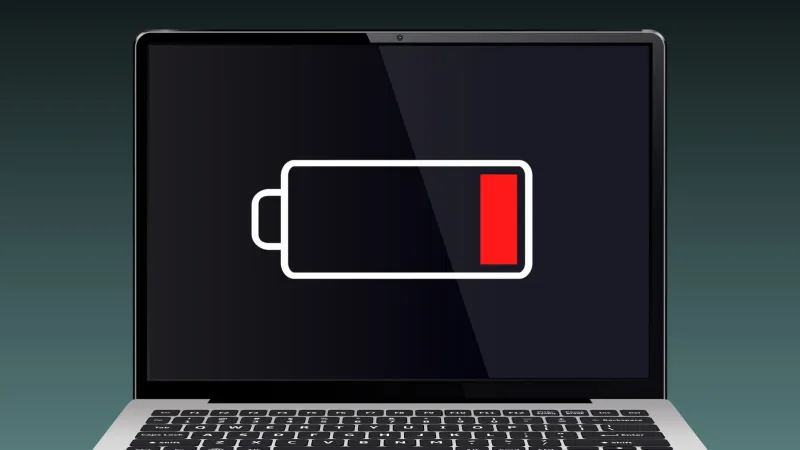
Many users frequently permit their portable computers to completely exhaust their power supply, a practice widely perceived as harmless. However, experts warn that this habit significantly contributes to long-term degradation of a laptop battery, diminishing its overall lifespan and potentially affecting the device's performance. Understanding the intricate chemistry at play is crucial for maintaining optimal function and avoiding costly replacements.
At the core of nearly all modern laptops are lithium-ion batteries, acclaimed for their high energy density and relatively low self-discharge rates. Unlike older nickel-cadmium batteries, lithium-ion units do not suffer from a "memory effect." This distinction often leads users to believe that complete discharge and subsequent full recharge cycles are beneficial, or at least benign, but this is a critical misunderstanding of their operational characteristics.
The primary mechanism of damage stems from what is known as deep discharge. When a lithium-ion cell reaches zero percent charge, its voltage drops to a critically low level. This state puts immense stress on the internal components of the battery, particularly the electrodes and electrolyte. Repeated exposure to deep discharge can lead to irreversible chemical reactions that degrade the battery's capacity to hold a charge.
Over time, this chemical deterioration manifests as a reduced maximum charge capacity. A battery that once held a charge for eight hours might dwindle to just a few hours after numerous deep discharge cycles. This decline is not merely an an inconvenience; it represents a permanent loss in the battery's ability to store energy, rendering it less effective and forcing users to remain tethered to power outlets more frequently.
Beyond diminished capacity, deep discharge can also increase the battery's internal resistance. Higher internal resistance means that the battery must work harder to deliver power, generating more heat in the process. Excessive heat is a known enemy of electronic components, accelerating wear and tear not just on the battery itself but potentially on surrounding laptop hardware.
Some battery management systems are designed to mitigate the worst effects of deep discharge by shutting down the device before the battery voltage drops to truly damaging levels. However, these safeguards are not foolproof, particularly if the laptop remains unplugged for extended periods after reaching a critically low charge state, allowing for further natural discharge.
Experts in battery technology consistently advise against routinely allowing a laptop battery to drop below 20 percent charge. They recommend keeping the charge level within a healthy range, ideally between 20 percent and 80 percent, to maximize the battery's lifespan. This practice minimizes the stress on the lithium-ion cells, preserving their chemical integrity for a longer duration.
Another often overlooked factor is temperature. Extreme heat or cold can exacerbate the negative effects of deep discharge. Charging a completely depleted battery in a very cold environment, for instance, can introduce additional stress, while operating a laptop in high temperatures further strains an already struggling battery. Users should strive to keep their devices within optimal operating temperature ranges.
The impact of poor battery health extends beyond mere inconvenience. A rapidly degrading battery often necessitates replacement, incurring additional costs for consumers and contributing to electronic waste. In an era where Revolutionary Technologies Poised to Integrate Into Daily Life, ensuring the longevity of our personal devices becomes paramount for both economic and environmental sustainability.
For optimal maintenance of your laptop battery, consider utilizing the power management settings available in most operating systems. These features often include options to optimize battery health, such as limiting the maximum charge percentage or providing alerts for critical charge levels. Such tools can be instrumental in preventing unintentional deep discharge.
Furthermore, using the original charger and avoiding prolonged periods of leaving a laptop plugged in at 100 percent charge, particularly when not in active use, are also beneficial practices. While modern chargers often incorporate overcharge protection, consistently maintaining a full charge can still induce minor stress on lithium-ion cells over prolonged periods.
Understanding the nuances of laptop battery care transforms a seemingly trivial action into a critical maintenance consideration. By adopting conscientious charging habits, users can significantly extend the operational life of their devices, ensuring consistent performance and delaying the need for premature upgrades or costly battery replacements.
This proactive approach to battery management not only safeguards individual investment but also aligns with broader efforts towards sustainable technology use. Preserving device longevity reduces the demand for new manufacturing, lessening the environmental footprint associated with electronics production and disposal.